The Best Chromebook Games in 2026: 15 Free and Paid Picks
Games for Chromebooks that run in the browser, from Google Play or from the cloud, with what each needs and costs. Checked in November 2026.
By Catcopter Team
Quick answer
Our own Catcopter goes first: a free flying shooter that runs in Chrome with adjustable graphics. Every Chromebook runs browser games such as Krunker, Slow Roads and Lichess; Chromebooks with Google Play add Minecraft and Roblox; and Fortnite runs free through Xbox Cloud Gaming with a free Microsoft account.
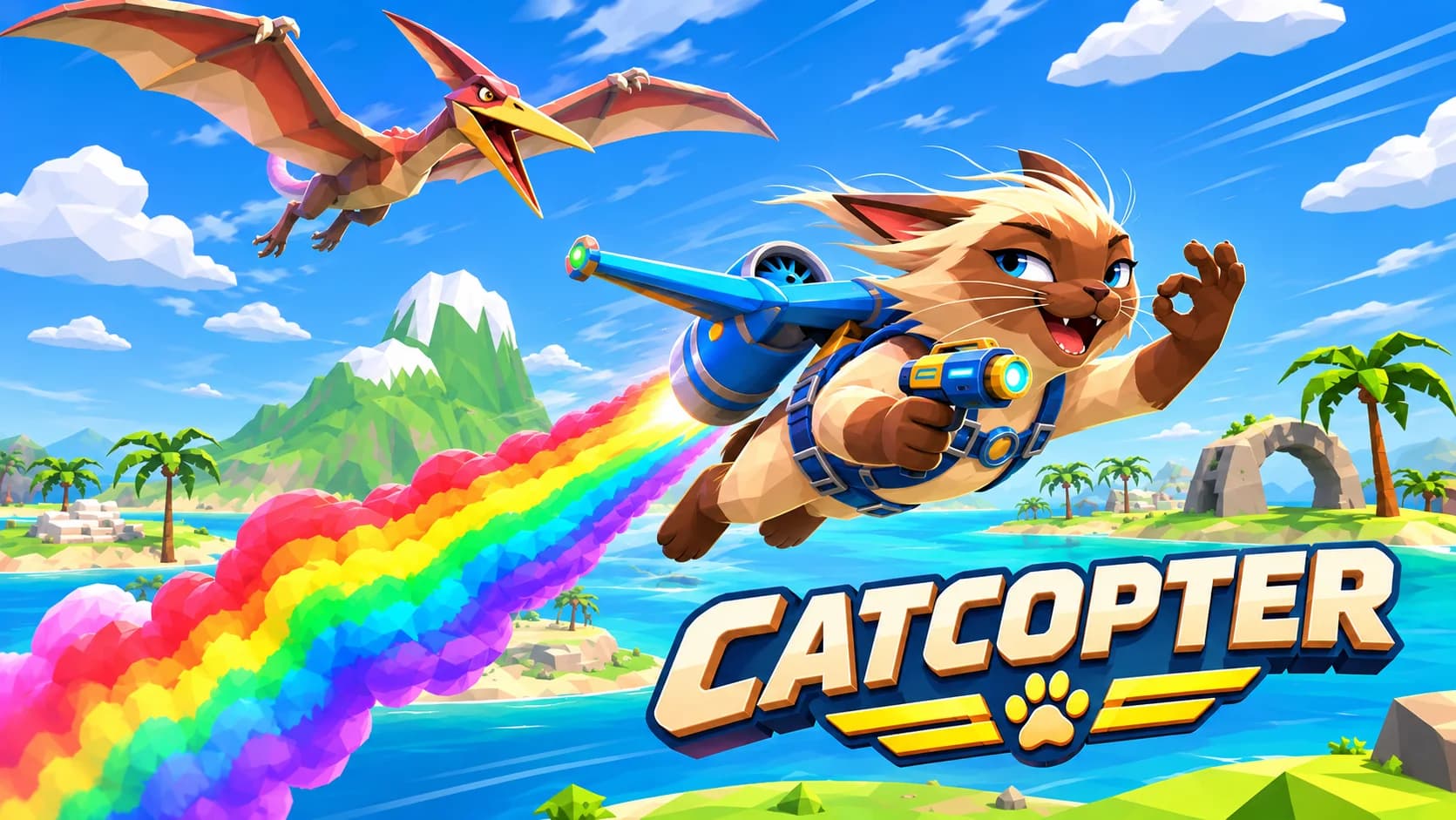
The best Chromebook games depend on what your Chromebook can run. Every Chromebook plays browser games; most newer ones also run Android games from Google Play; and with a fast connection, cloud services stream big PC games such as Fortnite. This list covers fifteen games for Chromebooks across those three routes, with what each one needs and costs, as checked on November 21, 2026.
How do you play games on a Chromebook?
- In the browser. Works on every Chromebook, including school ones, as long as the network allows the site. Nothing to install.
- Android games from Google Play. Google says the Play Store "is available for only some Chromebooks"; its device list says every Chromebook launched in 2019 or later supports Android apps. Turn it on under Settings, Apps, Manage Google Play preferences. On a school or work Chromebook it may be switched off.
- Cloud gaming. GeForce NOW supports Chromebooks with at least 4 GB of RAM and recommends 15 Mbps for 720p at 60 fps; its free tier plays up to two minutes of sponsor videos before each session. Xbox Cloud Gaming runs in the browser on ChromeOS 85 or later and is included in Game Pass Essential ($9.99 a month, 5 hours of cloud play), Premium ($14.99, 10 hours) and Ultimate ($22.99, 15 hours).
- Not Steam. Google said its Steam for Chromebook beta would end on January 1, 2026, and that games installed through it would stop working. Linux apps exist on ChromeOS, but Google describes Linux as a feature for developing software, and we found no game that officially supports it there.
How we picked
We kept games that run on a Chromebook according to their developer or Google: browser games that load in Chrome, Android games with an official statement about Chromebook support, and one cloud game. Prices and requirements come from official pages. Catcopter is our game, so it goes first; we have not yet tested it on a low-end Chromebook, and we say so below.
Chromebook games at a glance
| Game | How it runs | Price | Age or rating |
|---|---|---|---|
| Catcopter | Browser | Free | 13+ (its terms) |
| Krunker | Browser | Free | 13+ (its terms) |
| Smash Karts | Browser | Free | App Store 9+ |
| TETR.IO | Browser | Free | 13+ (privacy policy) |
| Slow Roads | Browser | Free | None stated |
| GeoFS | Browser | Free; paid HD imagery | Not stated |
| Lichess | Browser | Free, no ads | Accounts 15+ or with a parent |
| skribbl.io | Browser | Free, with ads | Not stated |
| OpenFront.io | Browser | Free in the browser | Not stated |
| Infinite Craft | Browser | Free | App rated 13+ |
| Minecraft | Google Play | Paid; free trial | Everyone 10+ |
| Roblox | Google Play | Free, with purchases | Teen |
| Asphalt Legends | Google Play | Free, with purchases | Everyone 10+ |
| War Robots | Google Play | Free, with purchases | Everyone 10+ |
| Fortnite | Cloud | Free | Teen |
Catcopter: our own game, so it goes first
- Platform
- Browser on desktop and phones
- Price
- Free
- Players
- Up to 20 per room; bots fill empty seats
- Download
- No
- Best for
- A flying team shooter that needs nothing installed
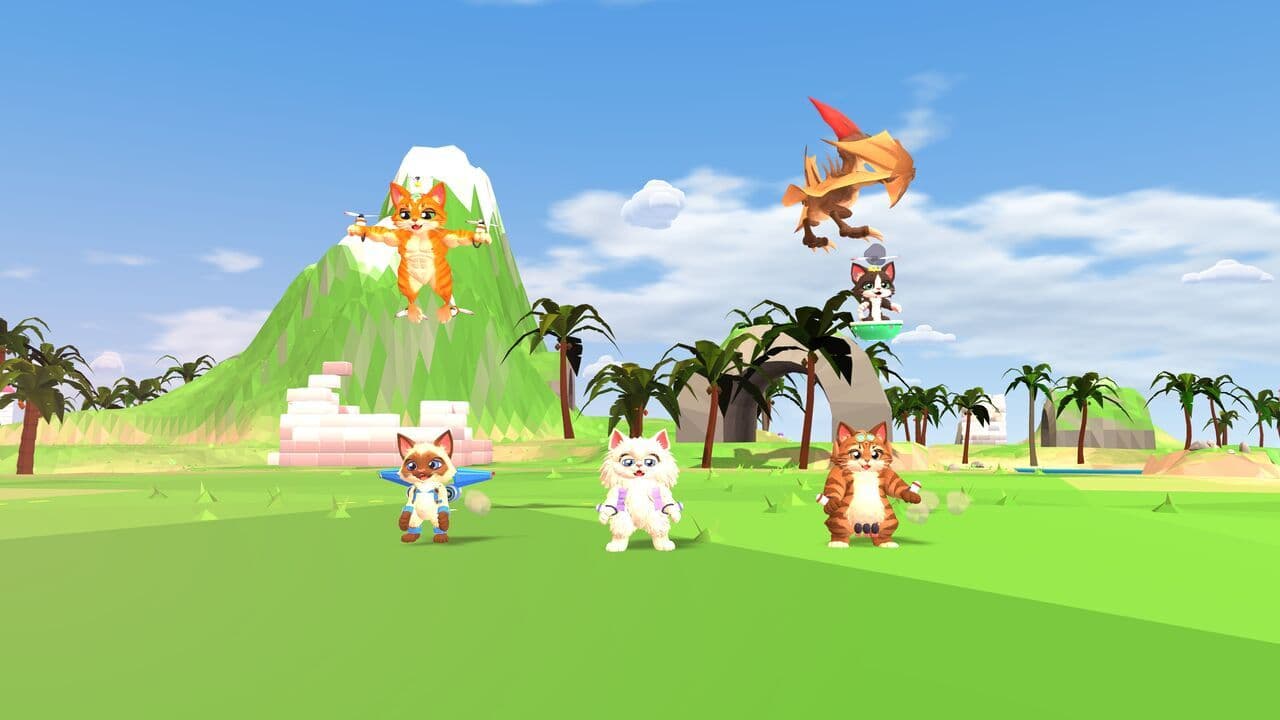
Catcopter is our game, so it goes first. It is a third-person multiplayer shooter where cats fly over tropical islands, with five classes and four modes, and it runs in Chrome with nothing to install. The settings have four graphics levels (High, Normal, Basic and Potato), so you can trade looks for speed. We have not tested it on a low-end Chromebook yet; if it stutters, try Basic or Potato. It is for players 13 and over.
The best browser games for Chromebook
These run in Chrome on any Chromebook, including school ones if the network allows them.
Krunker
- Platform
- Browser
- Price
- Free, with purchases
- Players
- Multiplayer
- Download
- No
- Best for
- A fast first-person shooter
A blocky first-person shooter with 13 classes tied to weapons and fast, slide-hopping movement. Its terms set a minimum age of 13 and say all chat is public.
Smash Karts
- Platform
- Browser; iOS and Android apps
- Price
- Free, with ads and in-app purchases
- Players
- Multiplayer
- Download
- No
- Best for
- Quick kart battles on a modest laptop
A multiplayer kart battle arena: drive, grab weapon boxes and fire rockets. Its page includes a special loading path for low-core Chromebooks, which suggests the developers test on them.
TETR.IO
- Platform
- Browser
- Price
- Free; optional supporter status
- Players
- Solo modes, ranked 1v1 and custom rooms
- Download
- No
- Best for
- Competitive block stacking
A fast online block-stacking game with a ranked 1v1 league, custom rooms and solo modes. Its privacy policy says it is not designed for children under 13.
Slow Roads
- Platform
- Browser
- Price
- Free
- Players
- 1
- Download
- No
- Best for
- Winding down
An endless drive through scenery generated as you go, with no score and no goal.
GeoFS
- Platform
- Browser; iOS and Android apps
- Price
- Free; sharper HD imagery is a paid subscription
- Players
- Multiplayer
- Download
- No
- Best for
- Learning to fly
A flight simulator over satellite imagery of the whole world, with 30 aircraft and no login needed to fly.
Lichess
- Platform
- Browser; Android app
- Price
- Free, no ads
- Players
- 2, or against the computer
- Download
- No
- Best for
- Chess on any Chromebook
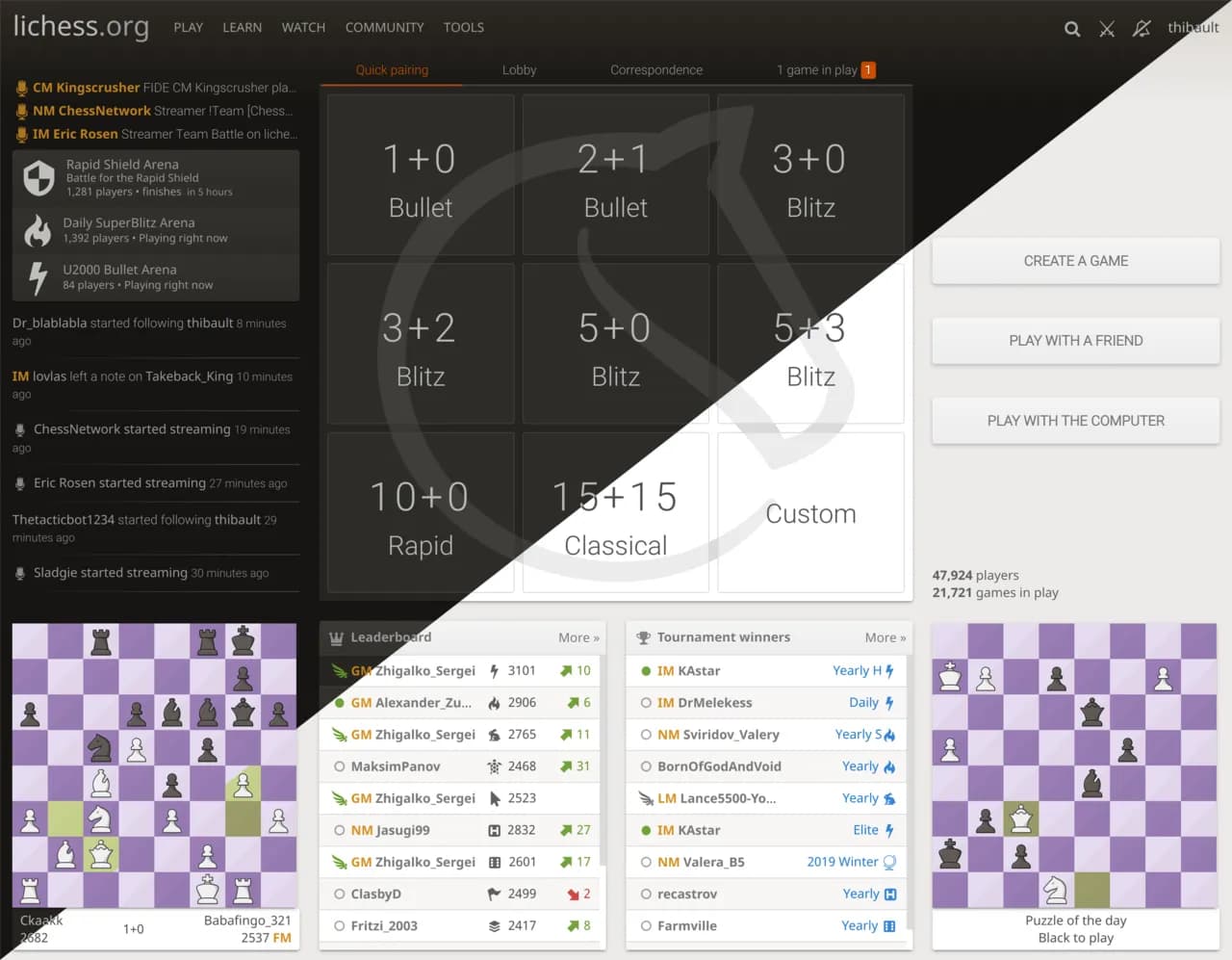
Free chess against people or the computer, with puzzles and analysis. An account is optional.
skribbl.io
- Platform
- Browser on desktop and mobile
- Price
- Free, with ads
- Players
- Up to 20 in a private room
- Download
- No
- Best for
- Drawing games with friends
One player draws a word and the rest type guesses in the room chat. There are tools to kick, mute and report players.
OpenFront.io
- Platform
- Browser; Steam
- Price
- Free in the browser, with ads
- Players
- Dozens to hundreds on one map
- Download
- No
- Best for
- A strategy game that runs in a tab
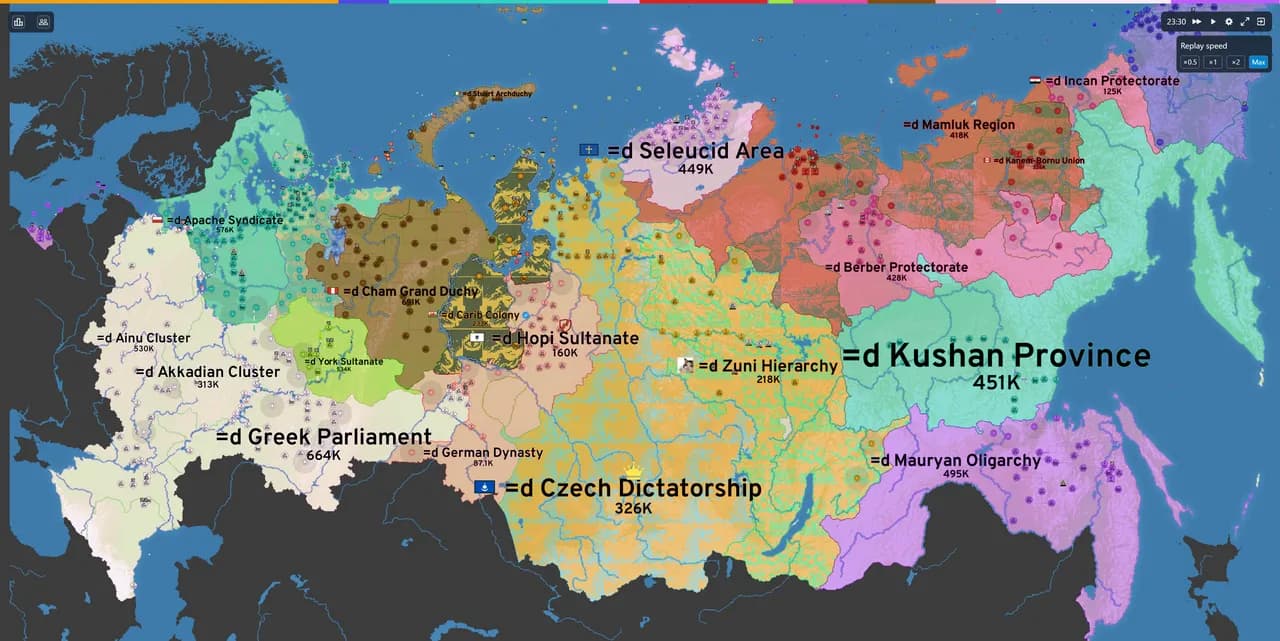
An open-source real-time strategy game about expanding across a real-world map and making alliances. It is still labelled alpha (version 0.36.6 when we checked).
Infinite Craft


- Platform
- Browser
- Price
- Free on the web
- Players
- 1
- Download
- No
- Best for
- An endless puzzle
Start with Water, Fire, Wind and Earth and combine them into an endless tree of new things. There is a daily challenge too.
Android games for Chromebooks with Google Play
Minecraft

- Platform
- Google Play (Minecraft: Bedrock Edition for Chromebook)
- Price
- Paid, with a free trial
- Players
- Solo or multiplayer
- Download
- Yes
- Best for
- Building with friends
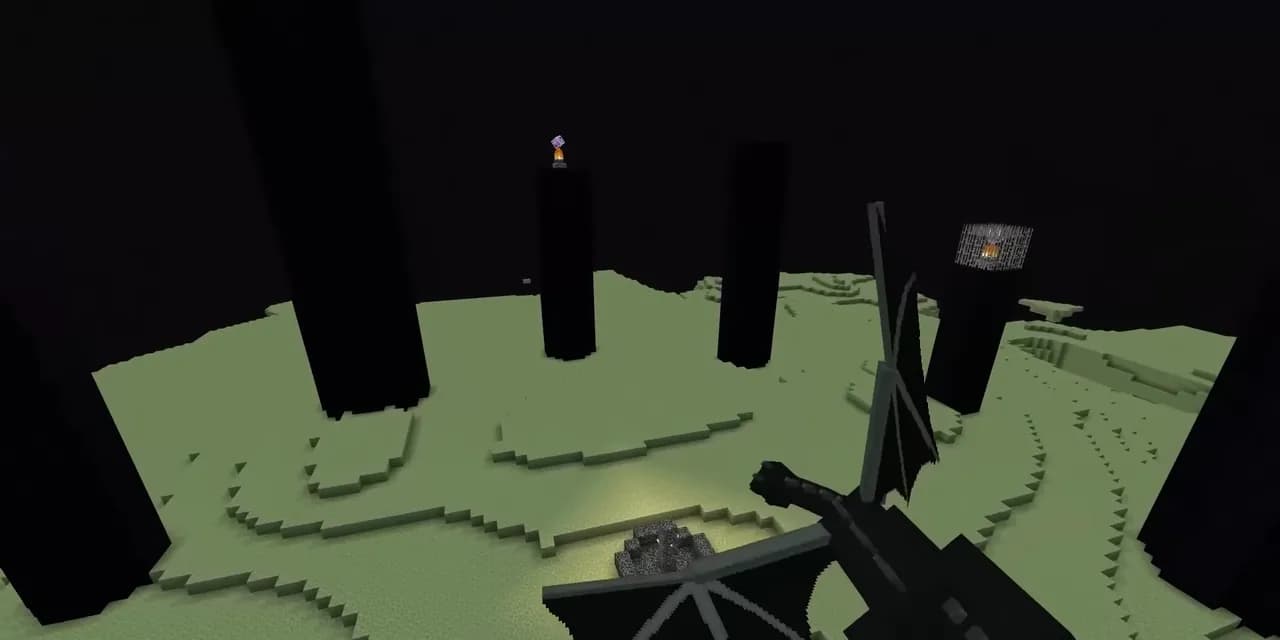
Mojang has sold Bedrock Edition for Chromebook on Google Play since June 2023. Its requirements are ChromeOS 111 or later, a 64-bit processor, 4 GB of RAM and 1 GB of storage. Google Play rates it Everyone 10+.
Roblox


- Platform
- Google Play (the Android app)
- Price
- Free, with ads and in-app purchases
- Players
- Multiplayer
- Download
- Yes
- Best for
- Thousands of player-made games
On a Chromebook, Roblox runs as its Android app, so the Play Store must be on. Roblox's help page also warns that the app does not work with Bluetooth mice. Google Play rates it Teen.
Asphalt Legends
- Platform
- Google Play
- Price
- Free, with ads and in-app purchases
- Players
- Not stated
- Download
- Yes
- Best for
- Arcade car racing
Gameloft's arcade racer, formerly Asphalt 9: Legends. Google's developer story says Gameloft brought it to Chromebooks and now supports ChromeOS across its projects.
War Robots

- Platform
- Google Play
- Price
- Free, with ads and in-app purchases
- Players
- 12 per battle
- Download
- Yes
- Best for
- Team battles with a keyboard and mouse
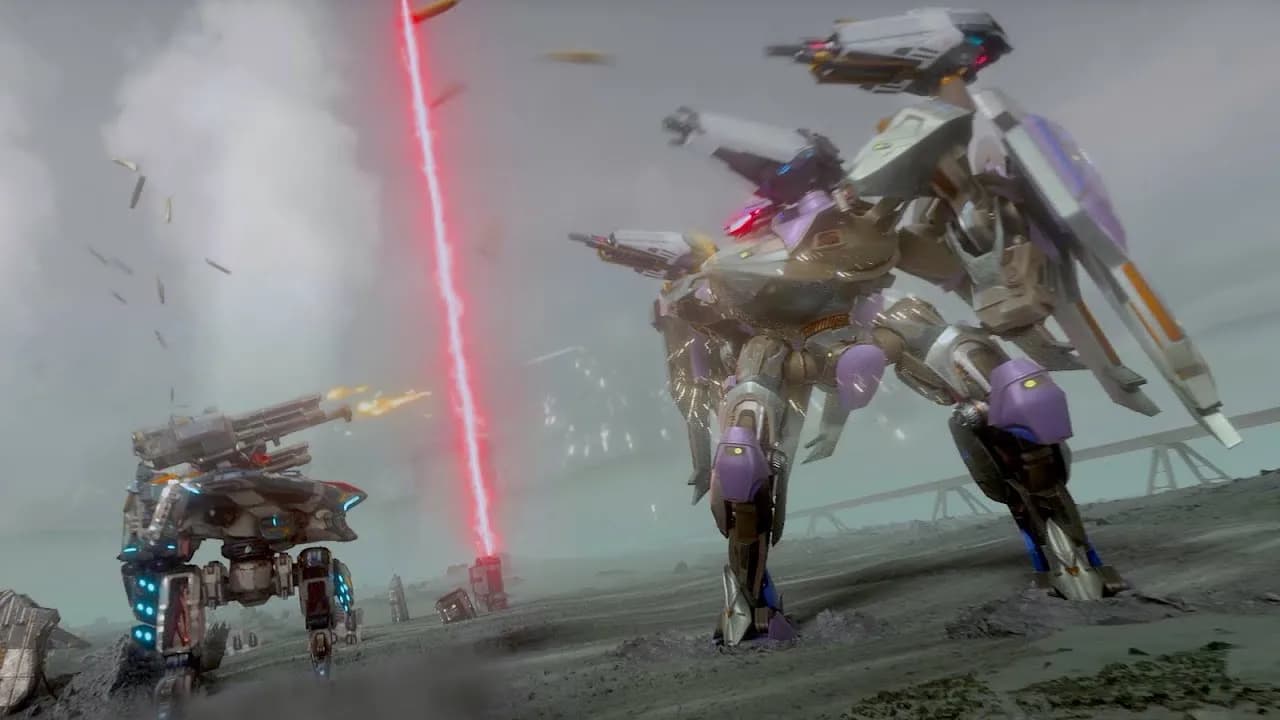
Twelve-player battles between customised giant robots. Google's developer story says the developers added keyboard and mouse controls, resizable windows and a laptop mode for ChromeOS.
A cloud game: Fortnite

- Platform
- Cloud (Xbox Cloud Gaming or GeForce NOW)
- Price
- Free; a free Microsoft account is enough on Xbox Cloud Gaming
- Players
- Online battle royale
- Download
- No
- Best for
- The full game on any Chromebook with fast internet
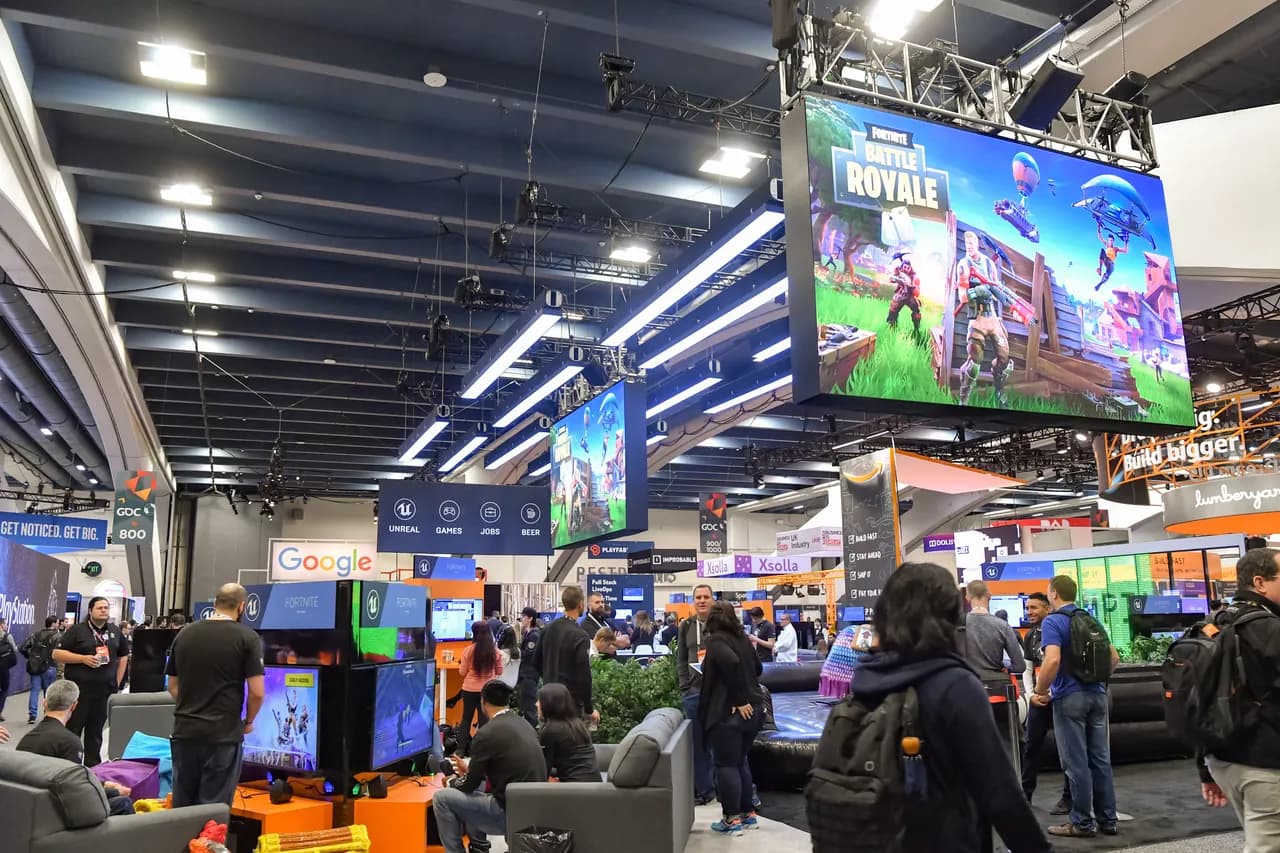
Epic's help page says Fortnite plays on Chromebooks only through cloud gaming. On Xbox Cloud Gaming it needs no Game Pass, just a free Microsoft account, and Xbox recommends at least 20 Mbps. The ESRB rates it Teen.
Which one should you start with?
- On a school Chromebook: browser games such as Catcopter, Lichess or Slow Roads; see also our games not blocked at school.
- On your own Chromebook with Google Play: Minecraft or Roblox.
- With fast internet and no install: Fortnite through Xbox Cloud Gaming.
For more games that run in a tab, see the best browser games.
Frequently asked questions
What games can you play on a Chromebook?
Browser games on any Chromebook; Android games from Google Play on Chromebooks that support it (Google says all models launched in 2019 or later); and PC and console games through cloud services such as GeForce NOW and Xbox Cloud Gaming.
Can you play Fortnite on a Chromebook?
Only through the cloud. Epic lists GeForce NOW, Xbox Cloud Gaming and Amazon Luna. Fortnite on Xbox Cloud Gaming needs only a free Microsoft account, not a Game Pass subscription.
Can you play Minecraft on a Chromebook?
Yes. Mojang sells Minecraft: Bedrock Edition for Chromebook on Google Play. It needs ChromeOS 111 or later, a 64-bit processor, 4 GB of RAM and 1 GB of storage, and there is a free trial.
Does Steam work on Chromebooks?
Not any more. Google said its Steam for Chromebook beta would end on January 1, 2026, and that games installed through it would stop working.
Why can't I install games on my school Chromebook?
Schools manage their Chromebooks. Google's help pages say that on a work or school device you might not be able to add the Google Play Store or use Linux. Browser games are the option that is left.
Image and video credits
- Smash Karts. Video: SmashKarts Official Trailer - A multiplayer online battle arena game with Karts. (Smash Karts by Tall Team, YouTube)
- Slow Roads. Video: Slow Roads 2.0 Release Trailer (Web Version) (anslo, YouTube)
- Lichess. Image: the lila authors (lichess.org) · AGPL-3.0-or-later · source
- OpenFront.io. Image: OpenFront Inc. (press kit) · CC BY-SA 4.0, cropped and resized · source · Video: OpenFront – Official Early Access Trailer | Steam 17 Sept (OpenFront, YouTube)
- Infinite Craft. Logo: Neal Agarwal, via Wikimedia Commons · Public domain (text logo; a trademark) · source
- Minecraft. Image: Xbox México (YouTube), via Wikimedia Commons · CC BY 3.0 · source · Video: WILDERNESS BOUND | Official Trailer (Minecraft, YouTube)
- Roblox. Logo: Roblox Corporation, via Wikimedia Commons · Public domain (text logo; a trademark) · source
- War Robots. Image: War Robots (YouTube), via Wikimedia Commons · CC BY 3.0 · source
- Fortnite. Image: Official GDC, via Wikimedia Commons · CC BY 2.0 · source
Screenshots of Catcopter are our own. Game names and logos belong to their owners.